How to make a wedding invitation video for WhatsApp, step by step
What to prepare, the length and shape that suit WhatsApp, a true step-by-step from template to share, wording that fits on screen, and an honest look at free vs paid.
By MojoInvites teamUpdated on 10 min read
A wedding invitation video does one thing a PDF card cannot: it actually gets watched in the family group. It does not need to be a film. Fifteen to thirty seconds with the couple's names, the date and the place, sent with a proper text message underneath, is what guests need. This guide covers what to keep ready, the format that suits WhatsApp, a step-by-step using the wedding card on MojoInvites as one worked example, and advice that holds for any other editor too.
Good to know
What this kind of video can and cannot do
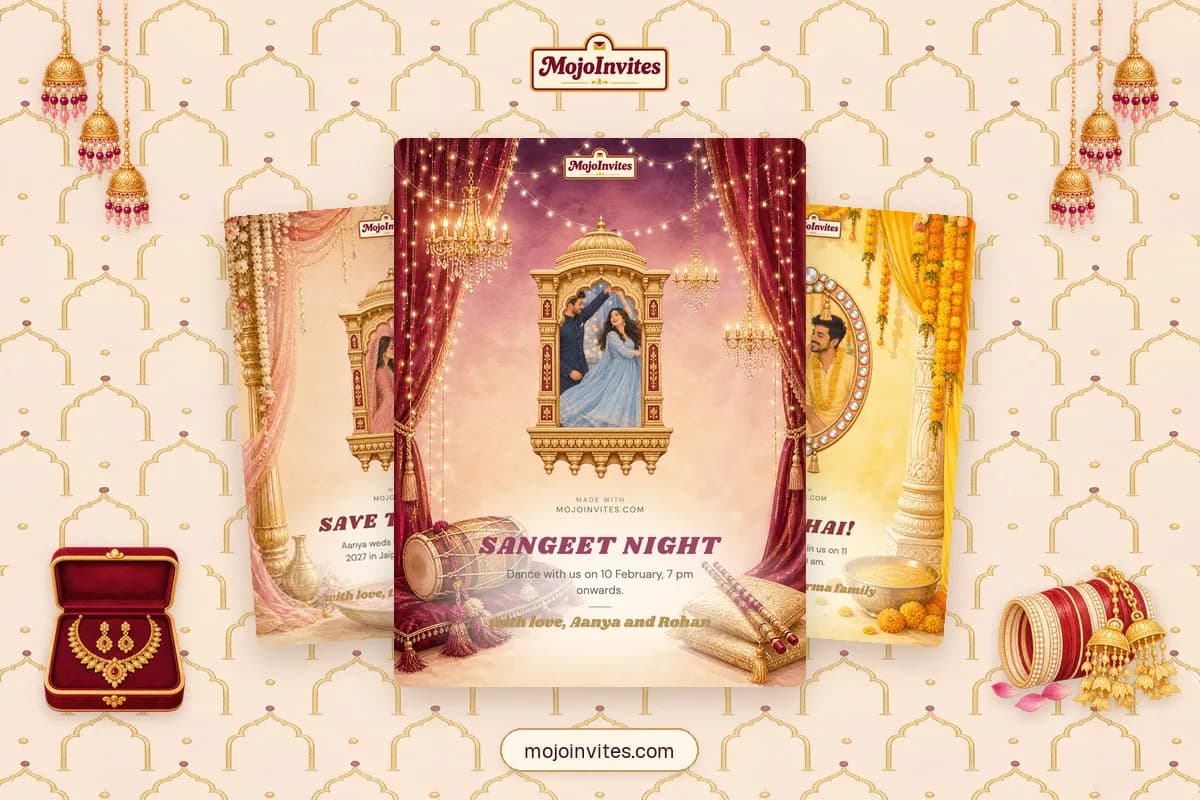
On MojoInvites the wedding designs are photo-and-message cards that can also play as a short animated video. They carry a greeting, a photo, a few lines and your name. They do not hold a full schedule, a map or an RSVP button, so those details go in the text you send with the video. Our wedding invitation messages for WhatsApp cover that part, function by function.
What to keep ready before you start
- Both names, spelt exactly as on the printed card, and the order you want them in.
- The date and the day of the week. Check they match; a wrong day is the most forwarded mistake.
- The venue name and city. The full address and map link belong in the text message.
- One good photo. Upright (portrait), both faces close together and well lit, with nothing important at the edges. A JPG or PNG works.
- One line of invitation, 140 characters or fewer.
- Who is inviting, 40 characters or fewer: the couple, the parents, or both families.
- For the text underneath: timings for each function, a map link, an RSVP contact and any dress code.
The format that works on WhatsApp
| Setting | What works | Why |
|---|---|---|
| Shape | Vertical, 9:16 | It fills the phone screen in a chat and in Status. |
| Length | 15 to 30 seconds | Long enough to read the names, date and venue; short enough to be watched to the end on mobile data. |
| Words on screen | Names, date, city, in large type | Small text is unreadable on a phone, and nobody pauses an invitation. |
| First frame | Something worth looking at | The opening frame becomes the preview in the chat. A black frame looks like a broken file. |
| Sound | Music that adds, never explains | Many people watch with the phone on silent. |
| How it is sent | An MP4 file, or a link that plays in the browser | A file plays inside the chat. A link is not compressed by WhatsApp, so it stays sharp. |
Step by step: from template to WhatsApp
These steps use the wedding card on MojoInvites. It runs in your phone's browser, so there is nothing to install. On a phone the editor has three tabs (Design, Photo and Words) under the preview.
Set up the card
- Open the wedding card. For a single function, start from the haldi, sangeet or roka card instead.
- In Photo, add your picture (JPG or PNG, under 15 MB). Use the Zoom and Position sliders until both faces sit inside the frame; Frame size makes the framed photo larger or smaller. Until you add one, a sample portrait is shown.
- In Words, replace the default greeting (Happy Married Life) with your own, up to 32 characters. Then write the message (up to 140) and fill From with whoever is inviting (up to 40).
Turn it into a video
- Switch from Card to Video with the toggle at the top of the editor.
- Pick a video style. Wish card is the free one: an envelope arrives and opens to your card. The wedding card can also offer paid styles with their own animation, such as Shubh aarambh and Baraat night. The videos run for roughly 13 to 20 seconds.
- Choose a colour theme (for weddings: Maroon and gold, Rani pink, Haldi yellow, Mehendi green or Royal midnight) and a music track. The preview replays each time you change one.
- Leave For empty if the same link is going to everyone. Fill it (up to 24 characters) only when the video is for one person, because that name appears in the video.
- Tap the full-screen button on the preview and watch it once from start to finish with the sound on. Read every name and number aloud.
Share it
- Tap Share video on WhatsApp. The first time, you sign in with your phone number and an OTP. This is the only point where you are asked to sign in.
- Your photo uploads and the link is created. A sheet opens with Send on WhatsApp and Copy link, and tells you when the link ends and how many free links you have left.
- Send it to one person first (a sibling is ideal) and open it on their phone.
- Then send it to your guests, with the full details as a text message straight after.
- Spotted a mistake later? Open My wishes, choose the wish and tap Edit wish. While the link is live, changes are saved to the same link, so nobody needs a new one.
Wording that fits on screen
The greeting is the headline, so give it to the names or to a three-word invitation. The message is one sentence: the date, the place and a warm line. Everything else goes in the text below the video.
Greeting lines (32 characters or fewer)
With typical names, [Bride] weds [Groom] fits comfortably.
[Bride] weds [Groom]
We're getting married!
Save the date
Shaadi mein zaroor aana
Aap sabko aana hai
शुभ विवाह
आप सादर आमंत्रित हैं
Message lines (140 characters or fewer)
With our families' blessings, we invite you to our wedding on [Date] at [Venue], [City].
Join us as we begin our forever. [Date], [Venue]. Full details in the message below.
[Date] ko [Venue] mein humari shaadi hai. Aapke aashirwad ke bina baat nahi banegi, zaroor aaiye.
Dhol baj chuke hain! [Date], [City]. Chhutti abhi se le lo, bahana nahi chalega.
[Date] को [Venue] में हमारे विवाह समारोह में आप सपरिवार सादर आमंत्रित हैं।
Free vs paid, honestly
| What you get | Free link | Paid link |
|---|---|---|
| Cost | Free for the first 3 links on your account | From ₹99, depending on the video style |
| Watermark | A small MojoInvites credit and an end card | None |
| How long the link works | 7 days | 15 days from payment |
| MP4 file | Not included (the MP4 on its own is ₹49) | Included |
Two things to plan around. First, links end. Share the video in the last week or two before the functions, and use the card image for early save-the-dates, because a downloaded image never expires. Second, the three free links are counted across everything you make on your account, and deleting a link does not give the slot back. From the fourth, a link goes live only after payment. The photo card itself stays free.
If you use another editor
- Choose a vertical 9:16 template at the start. Resizing a finished landscape video cuts off names.
- Export as MP4 at 1080p. Bigger files are not better: WhatsApp compresses heavy videos, and guides commonly quote a 16 MB cap for video sent as media. A short video keeps you safely under any limit.
- Check the free tier before you design. Many tools add a watermark or lock the export behind a plan.
- Hold the last frame, with names and date, for about three seconds. A video stops on its final frame, so make that frame useful.
- Keep the text away from the edges. Status and some phones crop the top and bottom.
Sending it without annoying anyone
- Elders and close family first, one to one. A call or a personal message, then the video.
- Use a broadcast list for everyone else. Each person receives it as a private message and replies only to you. It reaches only people who have saved your number, and one list holds up to 256 contacts, as WhatsApp's help page on broadcast lists explains.
- Keep groups for logistics. A wedding group is useful for travel and timings, less so for 200 replies of congratulations.
- Put the text invitation directly under the video, so the date and venue can be found later by searching the chat.
- Post it on your Status two or three days before the first function as a gentle reminder.
Common mistakes
- Making it too long. If it needs more than 30 seconds, it is trying to be the whole card.
- Using a group photo in landscape. Faces get cropped; pick an upright photo of the two of you.
- Sending the video alone, with no text. Guests should never have to replay a video to find the time.
- Sharing a 7-day link three weeks early, so it has ended by the wedding week.
- Testing only on your own phone. Always open it once on someone else's.
- Skipping the proofread. Names, date, day and city: read them aloud before you share.
Questions people ask
How long should a wedding invitation video for WhatsApp be?
Aim for 15 to 30 seconds. That is enough to show the couple's names, the date and the venue, and short enough that people watch it to the end. Put the full schedule in a text message under the video.
Which size and format are best for a WhatsApp invitation video?
A vertical 9:16 video saved as MP4 works best, because it fills the phone screen in chats and in Status. Keep the file small: a short 1080p video is sharp enough, and heavy files get compressed by WhatsApp.
Can I make a wedding invitation video for free?
Yes. On MojoInvites the first three video links on an account are free, with a small watermark, and each stays live for 7 days. A paid link starts at ₹99, has no watermark, stays live for 15 days and includes the MP4. Many other editors also have free tiers; check for watermarks before you start.
Should I send the video file or a link?
Both work. A file plays inside the chat and can be saved by guests, but WhatsApp compresses it. A link opens in the browser and stays sharp, but it works only while the link is live. For a wedding, send the link close to the date and keep the text invitation underneath.
What should a wedding invitation video include?
The couple's names, the wedding date, the venue and city, one good photo and who is inviting. Leave timings for each function, the map link and the RSVP contact for the text message, where guests can read and search them.
When should I send the wedding invitation video?
Send a save-the-date image as early as you like, and the video in the last one to two weeks before the functions. Follow up with a reminder on your Status two or three days before.
Next, write the words that go under the video: the wedding invitation message for every function has ready wording in Hindi and English. For the engagement, there is a roka card, and every other design is in the wish card gallery.